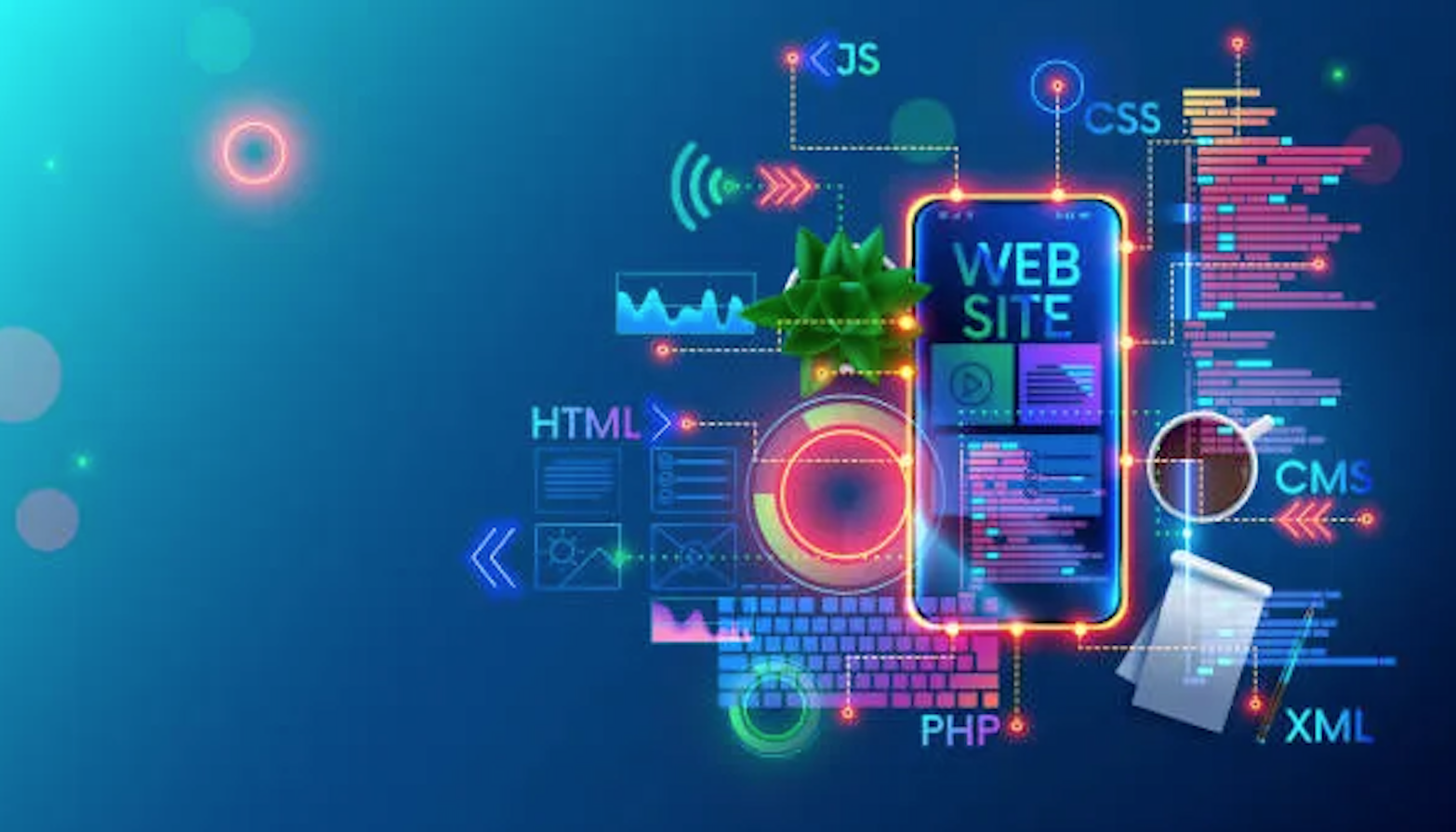
Web Mastering
From HTML & CSS to real-world websites
Web Mastering
From HTML & CSS to real-world websites
Frontend Developer Masterclass: HTML, CSS, JavaScript web development and design.
In the modern world, every serious company, organization, or personal brand needs a website. A website acts as a digital business card — without it, a business risks being invisible online. Web mastering is one of the most in-demand IT professions today, offering stable career opportunities and a creative, technical skillset.
What is Web Mastering and how to become one?
Web mastering involves all stages of website creation and optimization. A web master combines roles of programmer, designer, administrator, and sometimes content specialist. They build websites from scratch, ensure proper display across browsers, optimize user experience, and manage projects efficiently.
Technologies You Will Learn
- HTML: structure web pages and organize content logically
- CSS: style websites, work with colors, fonts, layouts, and responsive design
- JavaScript: add interactivity, dynamic elements, and basic logic
- Adobe Photoshop: design and create original website mockups
- Introduction to CMS (Content Management Systems) and basic backend concepts
- Working with databases and programming fundamentals
Course Modules and Learning Process
- Module 1: Basics of HTML & CSS – Learn how to create simple web pages, structure content logically, and apply basic styles.
- Module 2: Modern Website Coding – Build interactive websites using HTML, CSS, and basic JavaScript. Learn how to link pages, add images, and create simple navigation.
- Module 3: Styling and Graphic Design – Design mockups using Adobe Photoshop and apply design principles for aesthetics and usability.
- Module 4: Advanced Frontend Tools – Create interactive galleries, responsive layouts, and publish projects online.
- Modules 5–8: Hands-on Projects – Apply skills in multiple projects, integrating HTML, CSS, and JavaScript. Each project gradually increases in complexity.
- Module 9: Final Personal Website – Build your own portfolio-ready website that showcases all learned skills and professional best practices.
Practical Projects
Throughout the course, students complete multiple projects culminating in a personal website. Each project allows students to apply HTML, CSS, and JavaScript skills in real-world scenarios, following professional development workflows.
Skills and Outcomes
- Build structured, styled, and responsive websites
- Use HTML, CSS, and basic JavaScript effectively
- Understand web interface design principles
- Work with graphic design mockups
- Publish websites online
- Develop logical thinking, problem-solving skills, and creativity
Who Can Join
This course is perfect for beginners aged 11–18. No prior programming experience is required. Students interested in technology, design, and creative problem-solving will benefit most.
Requirements
- Computer or laptop with internet access
- Pre-installed code editor (instructions provided for VSCode or Sublime Text)
- Headset for online lessons
- Stable internet connection for interactive learning
Certification
Upon completion, students receive a personal certificate proving their achievements, ready to include in their portfolio or resume.
Sign UpQuestions & Answers
Lessons are live via Zoom, so students can ask questions and get immediate feedback.
It is beginner-friendly for ages 11–18 and requires no prior coding experience.
You will build multiple mini projects and a final personal website to showcase your skills.